
Sample Hotel Sunbed Reservation Setup: 40 Loungers, 2 Zones, QR Access
A practical example of how TowelsOn is configured for a mid-size resort, so operators can picture the real workflow: what guests see, what staff control, and how the booking rules translate to the pool deck.
This page is an example deployment, not the general product overview. If you want the broader explanation of what TowelsOn is and who it fits, see hotel sunbed reservation software.
- Sunbeds
- 40 reservable across 2 zones
- Guest access
- QR card at check-in
- Time slots
- morning + afternoon blocks
- Per-room limit
- one active reservation
- Live in
- about 1–2 days
Illustrative example — not a live customer case. Every value is tunable per property, not a fixed default.
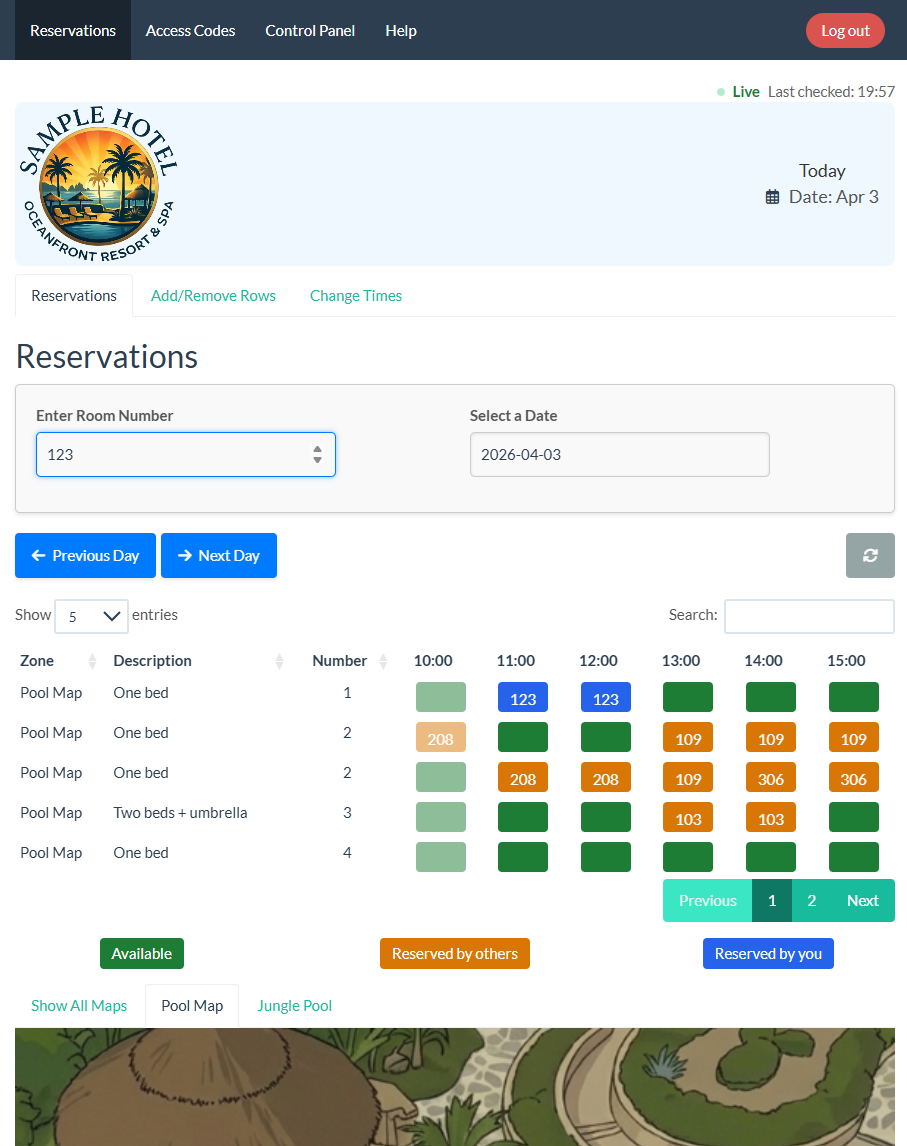
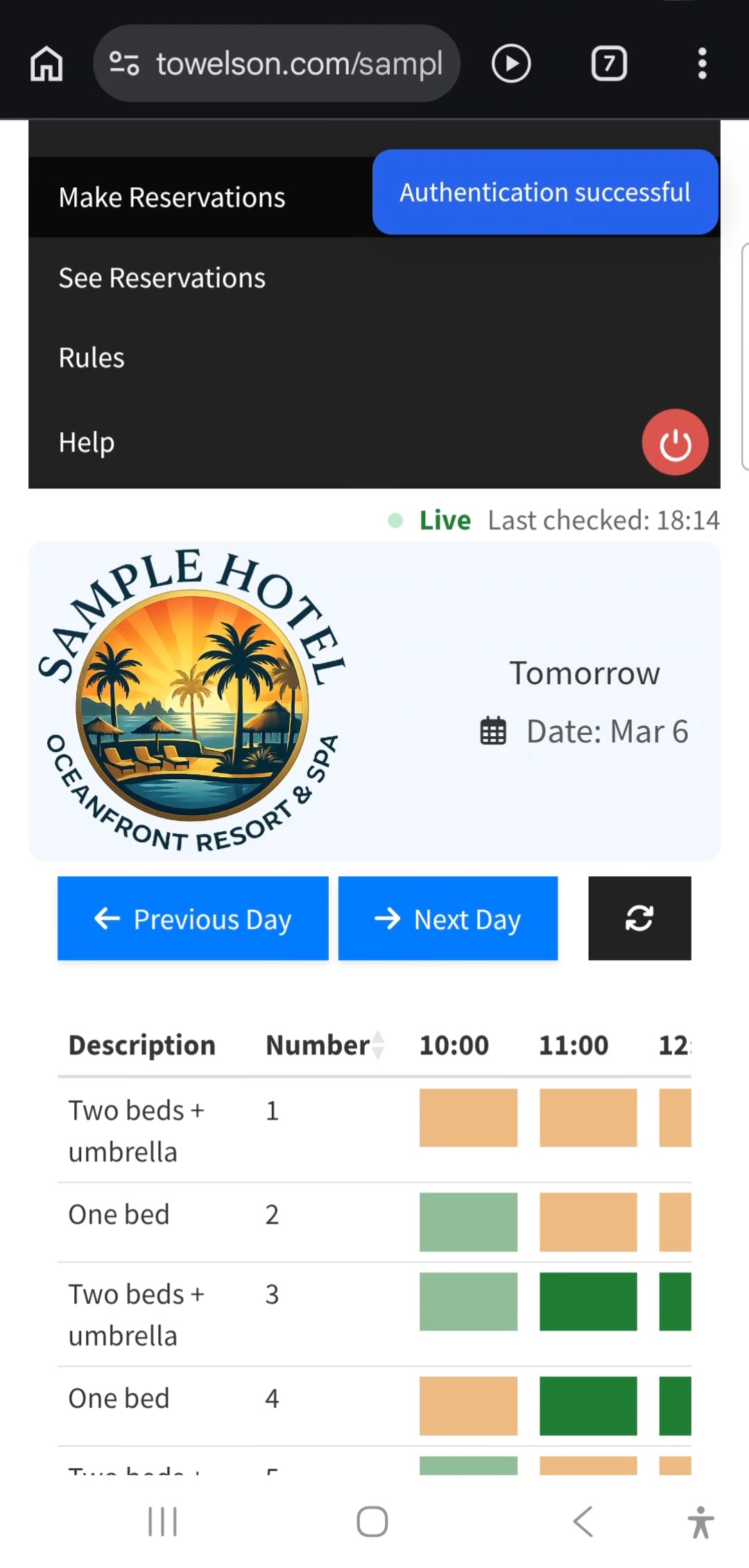
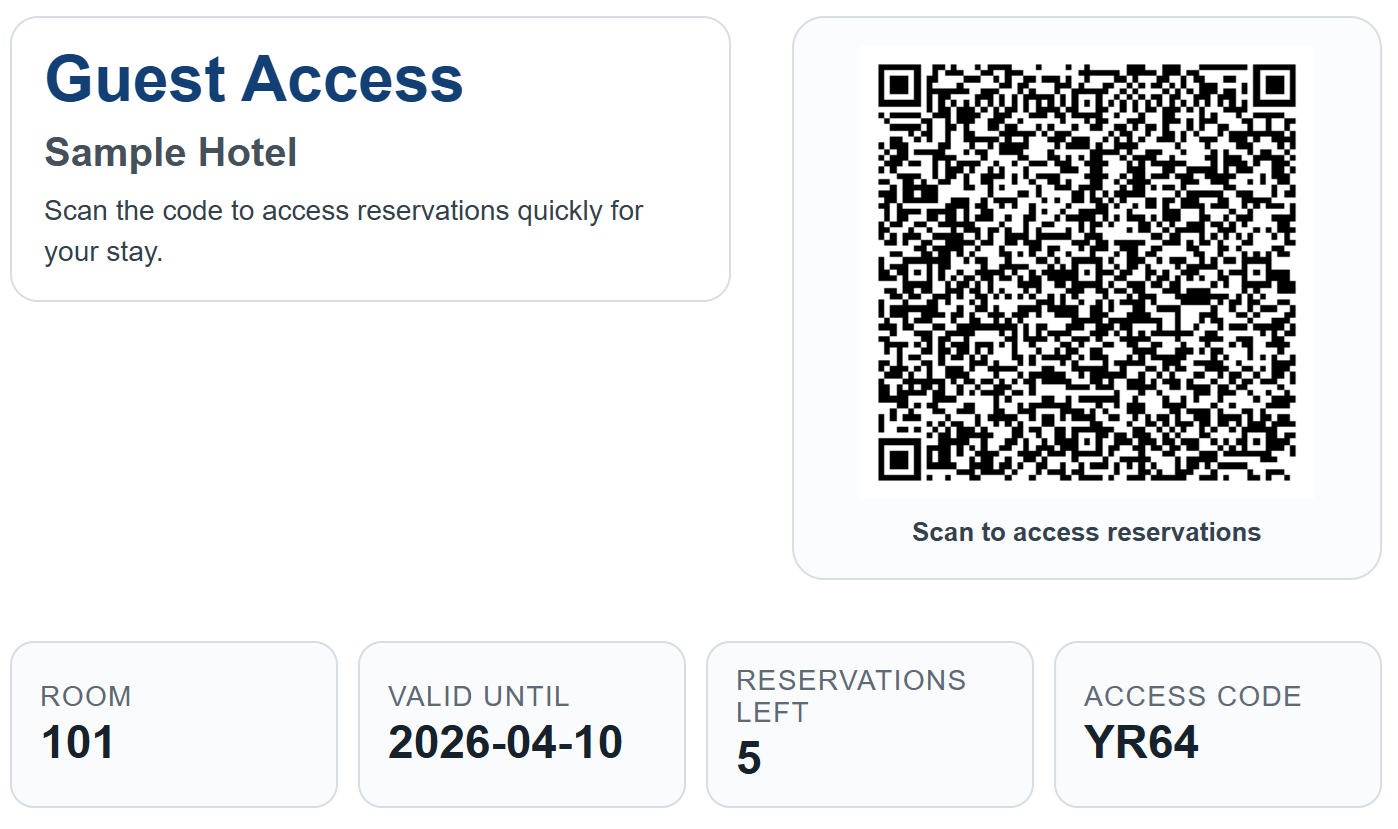
Example hotel type
Mid-size resort with two pool zones. Roughly 100–150 rooms, mixed couples and families, peak occupancy through high season, with the typical morning rush for poolside loungers.
Example operating problem
Guests place towels early in the morning — sometimes before the deck officially opens — but many of those marked loungers remain unused for hours. Other guests find empty-but-claimed sunbeds and either give up or move someone else's towel. Staff spend time handling complaints at the pool gate instead of running the operation.
Example TowelsOn setup
Illustrative configuration for the hotel above. Every row is tunable per property — these are example values, not defaults.
- Sunbeds:
- 40 reservable across 2 zones
- Guest access:
- QR card at check-in, with a per-room access code as fallback for guests without a smartphone
- Capacity tuning:
- booking-window opening time and the number of access codes handed out are tuned together so the deck reaches full capacity fairly
- Time slots:
- configured by the hotel — for example morning and afternoon blocks
- Per-room limit:
- configurable — example: one active reservation per room
- Customization:
- rules, slot length, and booking window can be tuned per zone, so different demand patterns can have different setups
- Staff flexibility:
- reception or pool staff can adjust the live schedule for no-shows, VIP requests, weather closures, or accessibility needs — all from the operations dashboard
Booking window tuned for capacity and fairness
Each property sets when the booking window opens and how many access codes are handed out per session. The two are tuned together so the deck fills to capacity without forcing a 6 a.m. race for a fixed cap of beds.
Guest scans QR
Reception shares a QR access card at check-in, so the booking page opens in the phone browser without an app install.
Specific lounger reserved
The guest selects a zone, sees live availability, and confirms a numbered sunbed for the chosen time slot.
Staff handle exceptions
If plans change, staff can adjust the live schedule for no-shows, VIP requests, weather closures, or accessibility needs.
What the workflow looks like in practice
Guest journey
A typical guest flow is designed to be short enough to complete while walking from reception to the pool.
- Scan the QR card or handout received at check-in.
- Choose the main pool or quiet zone.
- See which numbered loungers are free for the active slot.
- Reserve one lounger and walk directly to that position on the deck.
Staff workflow
Reception and pool staff work from a live view rather than handling disputes ad hoc.
- See all reservations across both zones in one dashboard.
- Reassign or release beds when a guest does not show up.
- Keep family members or group bookings close together when possible.
- Pause or clear a zone quickly if weather or maintenance affects availability.
What changes for the hotel
Predictable poolside access for guests
Guests see availability before walking to the pool. The morning towel race becomes a tap on a phone, and they walk straight to a numbered lounger they reserved.
Fewer arguments at the pool gate
Reception and pool staff stop refereeing disputes between guests. Empty-but-claimed loungers are easier to release; the rule set is the same for everyone.
Live overrides for the exceptions
Staff have one operations view for no-shows, VIP requests, weather closures, and accessibility needs — not a spreadsheet, not a clipboard.
Direct bookings: pre-booking from your own site
Your own website can offer direct sunbed pre-booking, so guests book from your page before they arrive. The link lives in your own booking flow and is tied to the reservation you have just taken, which is why a travel platform cannot match it: it does not sell your deck and never sees that reservation on your side.
From check-in onwards the room QR takes over exactly as described above, and guests who arrived through an agent reserve like everyone else once they are on the property. Whether pre-arrival booking stays a direct-booking perk is a policy you set, not a limit of the software.
See this built around your own deck
In a free guided pilot we map your zones, number the loungers and set the booking rules from your real pool plan, then hand it over ready to run. Guests install nothing, your PMS stays exactly as it is, and nothing obliges you to carry on afterwards.